
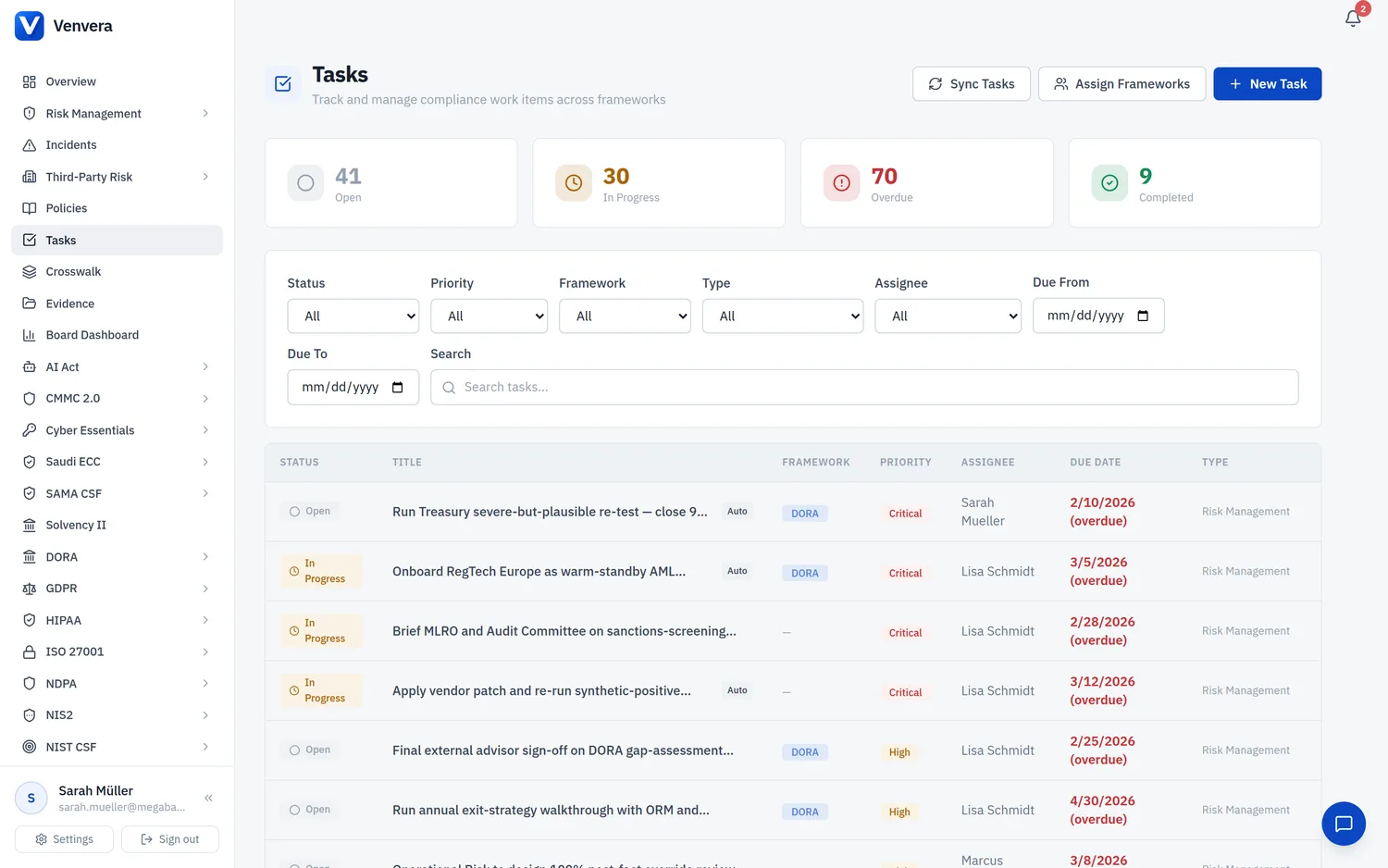
Venvera's task engine connects compliance data to actionable work items. Understanding how sync works helps you keep your task list accurate and up to date.
How Auto-Generation Works
When a user is assigned to a framework, the task engine:
- Scans all source tables for the framework (gap assessments, controls, incidents, etc.)
- Identifies non-completed items (status not in completed, archived, closed, etc.)
- Creates a task for each non-completed item, linked to the source record
- Skips duplicates - if a task already exists for the same source record and assignee, no duplicate is created
Auto-Completion
When you sync, the engine also checks existing auto-generated tasks against their source records. If a source record has been completed (e.g., a gap assessment was finished, a control was fully implemented), the corresponding task is automatically marked as completed.
Completing the source record completes the task (on sync). However, completing the task does not change the source record. You still need to update the actual compliance item in its own module.
Running a Sync
On the Tasks page, click the Sync Tasks button (Admins only). The button shows a spinner while syncing.
A success message shows: how many assignments were processed, how many new tasks were created, and how many tasks were auto-completed.
When to Sync
- After bulk updates - if your team completed multiple compliance items, sync to auto-complete the corresponding tasks
- Periodically - run a sync weekly or after major compliance milestones to keep the task list accurate
- After enabling a new framework - if you activate a new framework and assign users, sync ensures all existing non-completed items generate tasks
Sync is idempotent - running it multiple times has no negative effect. It only creates tasks that don't already exist and only completes tasks whose source records are done. You can safely run it as often as needed.
Dismissed Tasks and Sync
If you dismiss an auto-generated task, it will not be re-created on the next sync. The partial unique index prevents duplicate tasks for the same source record. This is the recommended way to permanently skip an auto-generated task you don't want to track.