
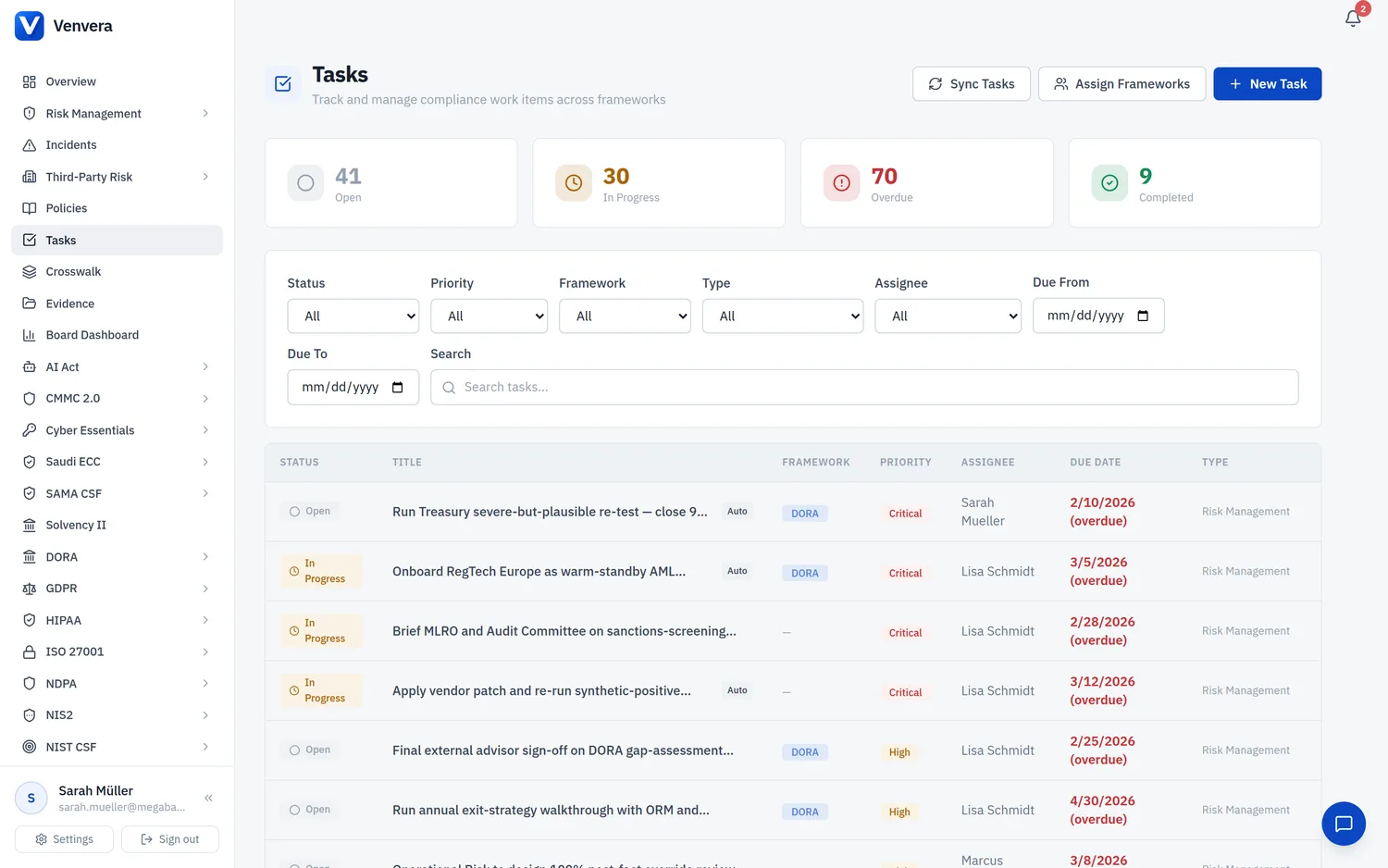
Not all compliance work comes from automated scans. Use manual tasks for ad-hoc work items, custom projects, team coordination, or cross-framework initiatives that don't have a direct source record.
Creating a Task
Click "New Task"
On the Tasks page, click the New Task button. The form appears inline below the header. This button is available to Admins and Editors.
Fill in the details
Complete the form fields:
- Title (required) - a concise description of the work to be done
- Description - additional context, acceptance criteria, or instructions
- Priority - Critical, High, Medium (default), or Low
- Framework - optionally associate with a framework, or leave as "None" for cross-framework tasks
- Task Type - categorise the task (General, Assessment, Risk Management, Control Implementation, etc.)
- Assignee - assign to a specific user or to a group (every member of an assigned group sees the task in their list). Admins can assign to anyone; Editors create unassigned tasks
- Due Date - set a deadline
Submit
Click Create Task. The task appears immediately in the task list with "Open" status.
Examples of Manual Tasks
| Example | Suggested Type | Framework |
|---|---|---|
| Schedule annual ISMS management review | Assessment | ISO 27001 |
| Update data processing register for new vendor | General | GDPR |
| Prepare board report for Q1 compliance status | General | None |
| Conduct tabletop exercise for ransomware scenario | Incident Response | DORA |
| Review and update AI system risk classifications | Conformity | AI Act |
| Collect evidence for SOC 2 Type II audit | Audit Finding | SOC 2 |
Manual vs. Auto-Generated
Manual tasks are never affected by sync. They won't be auto-completed or duplicated. They are fully under your control until you change their status.
Manual tasks are never affected by sync. They won't be auto-completed or duplicated. They are fully under your control until you change their status.
Best Practices
- Be specific - write task titles that describe the deliverable, not just the topic (e.g., "Complete A.8.24 control evidence collection" rather than "A.8.24")
- Set due dates - tasks with due dates help prioritise and track overdue items
- Use types - categorising tasks makes filtering more effective, especially in large organisations
- Assign frameworks - even for manual tasks, linking to a framework helps with reporting and filtering