
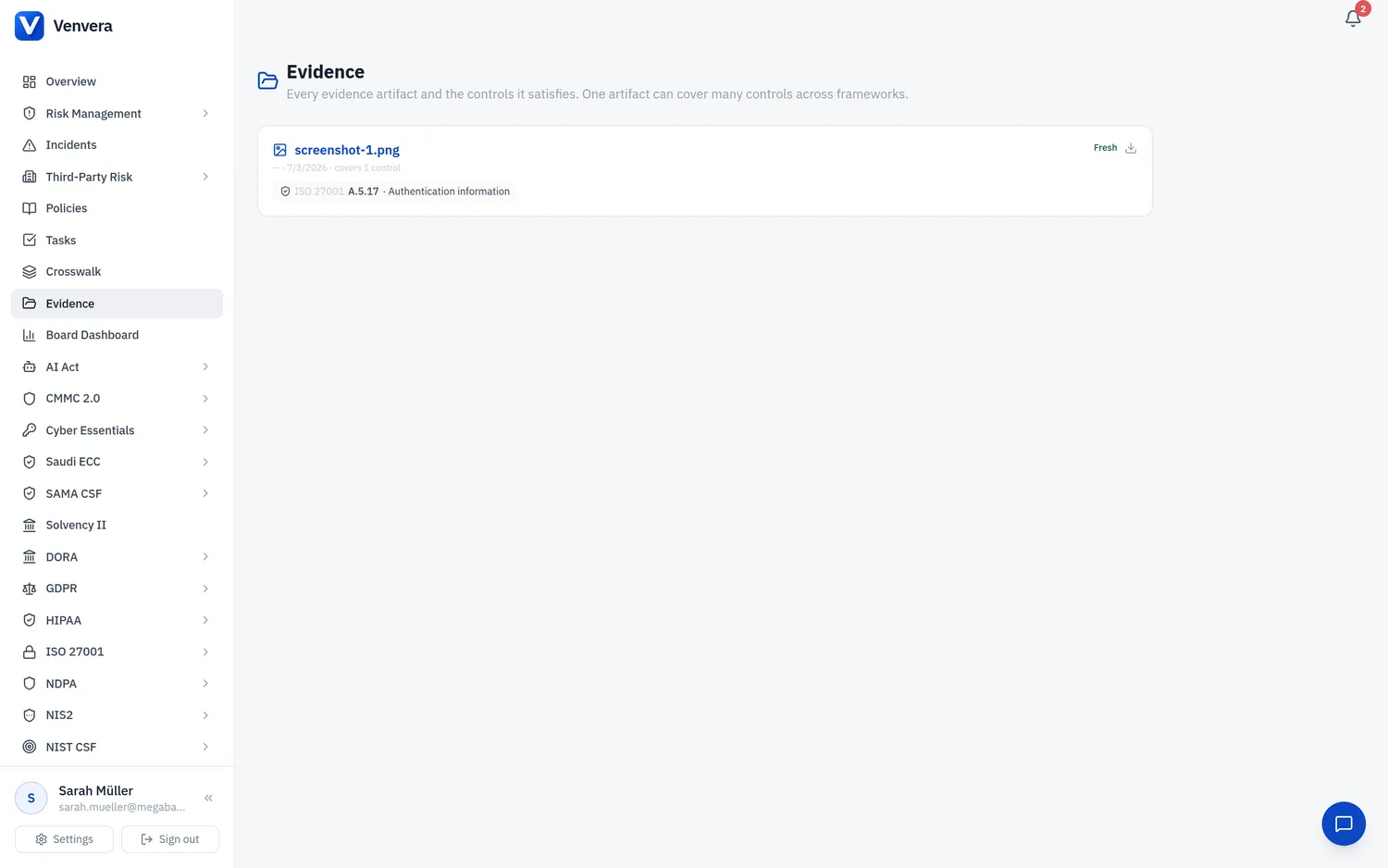
Many controls ask for evidence that is not a document at all but a record: a supplier register with criticality, an incident log, an asset inventory, a risk register reviewed this year, training completions, a completed access review, a resilience test. If that record already lives in Venvera, uploading a screenshot of it would be busywork. Detected evidence reads the record instead.
How it works
- Every control carries a list of expected artifacts (the Evidence tab shows them as slots). Where an artifact is a record the platform keeps, a detector checks the record every night at 06:20 UTC.
- If the check passes, the slot is filled with a Detected item that says exactly what was found, for example 12 providers registered, 8 classified critical or important. It refreshes on every run while the record stays current.
- When every expected artifact of a control is covered, by detected items or by evidence a person attached, the control's status becomes Implemented. Partial coverage shows as Partial. Statuses a person set are never lowered by the detector.
- Detected items expire on the control's cadence (yearly for most, quarterly for continuous controls). If the underlying record goes stale, for example no training completions in the last twelve months or no access review this year, the item stops refreshing, expires, and the nightly expiry job reverts the control, exactly as it does for any other expired evidence.
What is detected today
- Third-party register: providers with criticality, provider risk assessments in the last twelve months, exit strategies for critical providers, concentration assessments, sub-outsourcing chains.
- DORA register of information: providers, contractual arrangements and business functions on record; arrangements mapped to critical or important functions; Article 30 clause checks complete.
- Incidents: the register, classifications, authority notifications with timestamps, root-cause analyses.
- Assets and risks: the asset register with criticality, asset-to-function dependencies, a scored risk register reviewed in the last year, treatment decisions, risk appetite thresholds, measured KRIs.
- People: training completions and campaigns in the last year, management body training (NIS2), completed access review cycles.
- Testing and change: resilience tests completed in the last year, vulnerability and threat-led tests, the testing programme, change requests with risk assessments.
- Governance: approved policies mapped to the control, management reviews held in the last year, regulatory updates assessed, the audit trail.
- Privacy and sector: records of processing reviewed this year, DPIAs, executed business associate agreements (HIPAA), completed risk analyses (HIPAA), the AI system inventory and classification, POA&M items (CMMC).
A worked example: DORA and critical ICT providers
DORA has two controls that mention critical providers. Article 28 (ICT third-party risk, general principles) expects the register of information to flag which arrangements support critical or important functions; once your providers are registered, classified and mapped to functions, that slot is detected and the control fills up. Article 31 (designation of critical ICT third-party providers) is about the European Supervisory Authorities designating providers on their yearly list; the register is one of its inputs and is detected, but the reconciliation against the ESA list is a judgement the platform cannot make, so that slot stays with the reviewer.
Running it now
Administrators can trigger a detection run for the organisation from the API (POST /api/evidence/system/run) or wait for the nightly run. Detected items appear on the control's Evidence tab with a Detected label; the readiness bar on the Overview tab moves as slots fill.