
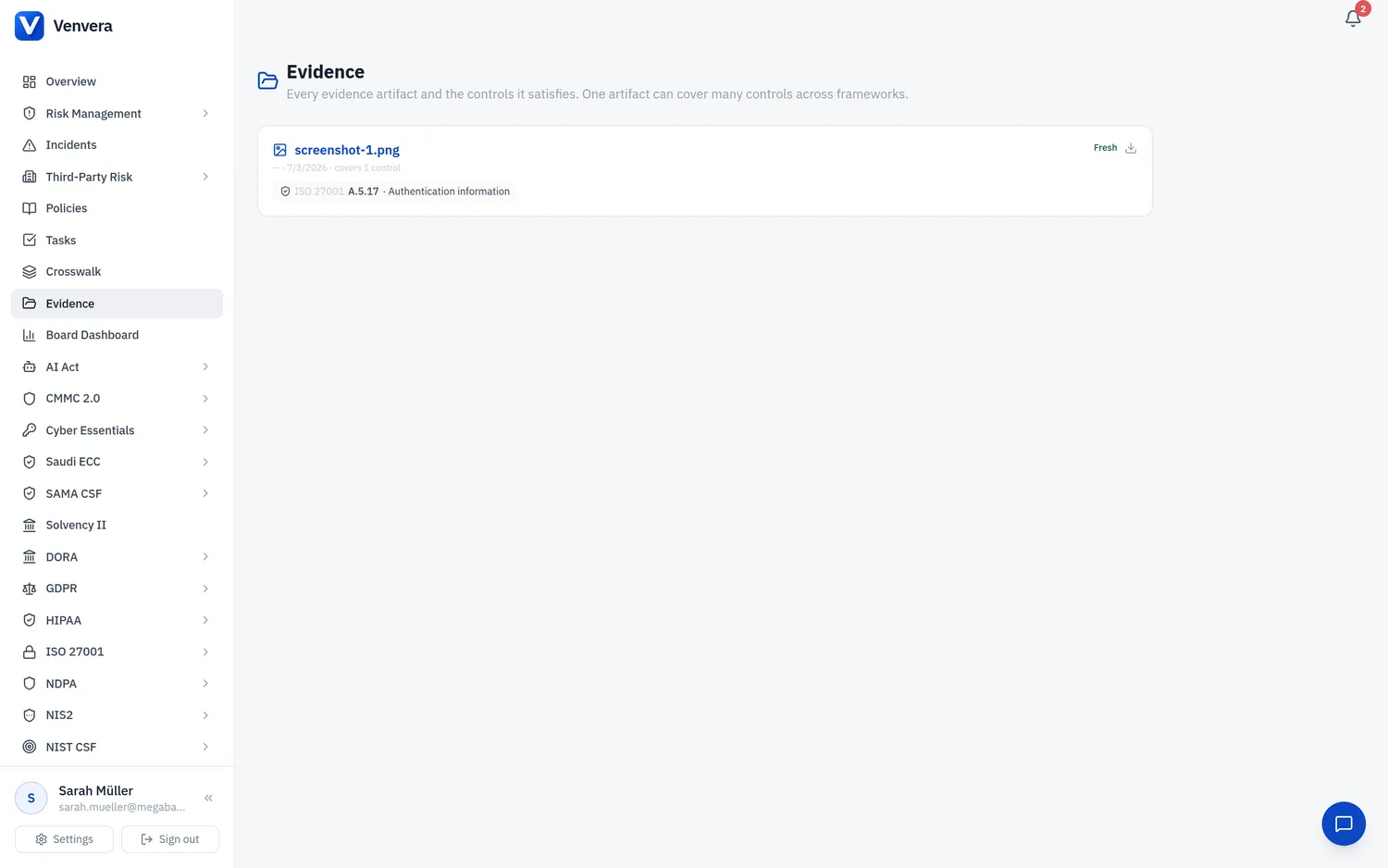
Evidence collection: one named contact per domain, requests that route themselves, and a review queue where nothing closes a control until you approve it. (49 seconds)
Control Evidence lets you prove a control is in place once, and have that single piece of evidence mark the control Compliant across every framework it maps to. Instead of attaching the same artifact to ISO 27001, SOC 2, NIST CSF and CMMC separately, you provide it once and Venvera closes the equivalent controls through the curated cross-framework crosswalk.
Three ways to provide evidence
- Written description - explain how the control is achieved (for example, "AV deployed fleet-wide via Intune; quarantine enabled").
- Document upload - attach a PDF, Word, Excel, CSV or text file (up to 25 MB).
- Screenshot - attach a PNG or JPEG image; screenshots open in an in-app viewer.
Several files, and a comment thread on each
One control usually needs more than one artifact: the policy, the export that shows it is enforced, the screenshot of the setting. The file picker takes several files at once; each becomes its own evidence item with the description you typed, its own freshness date and its own AI review, so you can renew or remove one without touching the others. You can keep adding items to a control at any time.
Every evidence item has a comment thread. Use it for what the description cannot hold: "the auditor accepted this on 12 May", "this export is from the wrong tenant, replacing it", "renewed for 2027". Anyone who can view the control can read the thread; anyone who can edit it can comment; authors delete their own comments and administrators any. Ctrl+Enter posts.
The same holds on a control's own page. On its Evidence tab, Attach on an expected-evidence slot takes several files at once, a filled slot still accepts more, and every item listed under a slot has its own comment thread. Evidence attached to the control without a slot, from the evidence widget elsewhere, appears below the slots under Other evidence on record.
Where you can provide it
The same evidence widget appears in three places, so you can capture evidence wherever you happen to be working:
Open any framework's Controls page and provide evidence directly on a control.
Expand a domain in the Crosswalk and provide evidence once for the representative control; it closes the whole domain across your enabled frameworks.
Open a policy and provide evidence per mapped control. See Policy to Control Mapping.
How closure works
When you save evidence on a control, Venvera:
- Records the evidence against that control for your organisation.
- Marks the control implemented in its framework, which is what the Crosswalk reads.
- Propagates the change to every curated crosswalk-equivalent control, so they show Compliant too. Coverage only ever flows through the hand-mapped crosswalk, so Venvera never guesses an equivalence.
After saving, the widget tells you how many related controls in other frameworks were also closed.
Keeping evidence current
Each evidence item carries a renewal cadence and an expiry. When it lapses the control reverts to "evidence needed". See Evidence Freshness & Renewal.
Getting AI help
You can ask the AI what good evidence looks like for a control, and have it review an uploaded artifact against the control requirement. See the AI Evidence Assistant.