
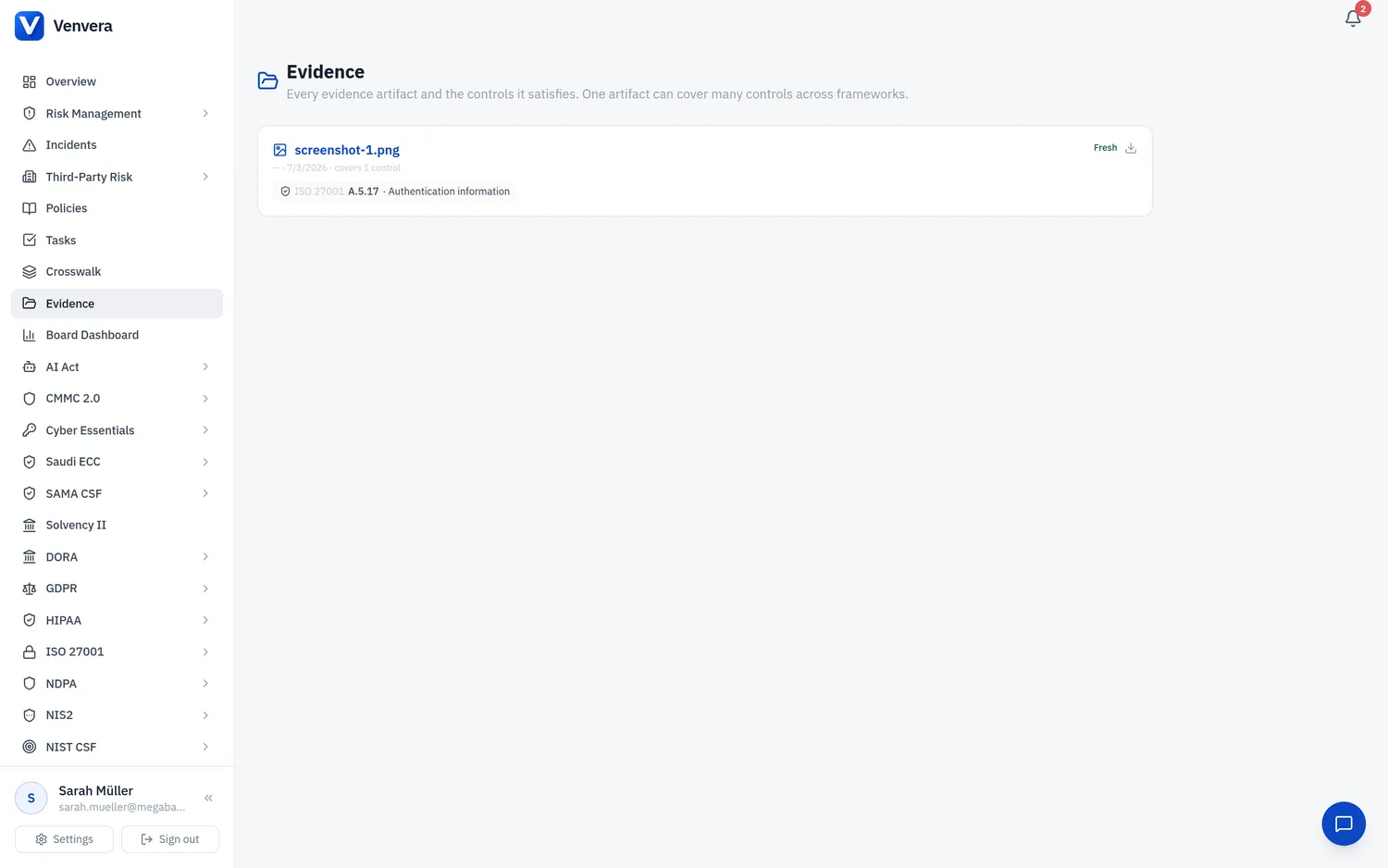
The Evidence page in the sidebar is your organisation's library of evidence artifacts. It is the artifact-centric view of the same data the control pages use: every uploaded file, who uploaded it, its freshness, and the set of controls it satisfies.
One artifact, many controls
A single document often satisfies more than one control. Rather than uploading it repeatedly, you upload it once and attach it to every control it covers. Venvera stores the file once and links it to each control; each linked control still spreads across its frameworks through the crosswalk.
What the library shows
The page lists your organisation's current evidence artifacts (up to 500) and is view and download only, there is no delete button here. For each artifact it shows:
- Each artifact with its file name, uploader and date.
- A freshness indicator (Fresh, Renew soon, or Expired).
- The list of controls the artifact covers, across frameworks.
- A one-click open or download.
Deleting safely
Deletion is done from the evidence widget on an individual control, not from this library page. Removing one control's link to a shared artifact keeps the file for the other controls that still use it, and the underlying file is only removed when its last link is deleted.