
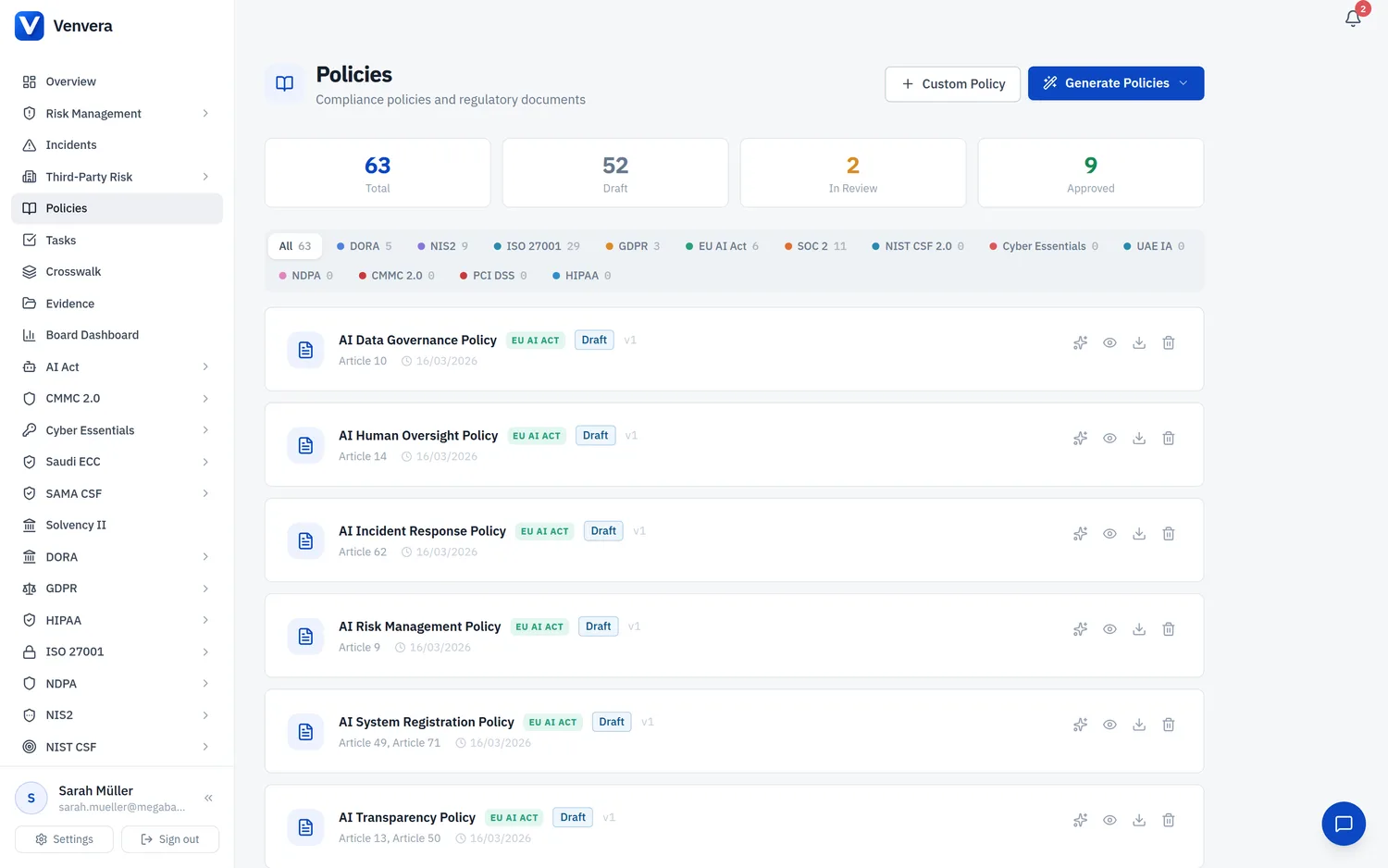
Every policy can be mapped to the framework controls it satisfies, so you can see at a glance which of a policy's controls still need evidence. Open a policy and expand it to find the Mapped Controls panel and an in-app Policy Document viewer.
Detecting the controls
Click Run matcher (owner only). Venvera combines three passes:
- Keyword - deterministic matching of the policy text against the control catalogue.
- AI - your configured provider judges which controls the policy substantively addresses, with a confidence score. Requires an AI key; see the AI Evidence Assistant.
- Crosswalk - matched controls fan out to their curated equivalents in your other frameworks.
If the matcher finds nothing and AI was unavailable, Venvera tells you so and points you to add an API key, rather than failing silently.
Correcting the mapping
The map is yours to correct, and your corrections survive future matcher runs:
Add a control the matcher missed. It is kept as a confirmed manual mapping.
Dismiss a wrong mapping. The matcher will not re-add a dismissed control.
Move a control to a different policy when it belongs there instead.
Needs-evidence view
Each mapped control shows a status: Compliant, Renew soon, or Evidence needed, computed from your organisation's own evidence (directly or via the crosswalk domain). The evidence widget is inline on each control, so you can close gaps without leaving the policy.