
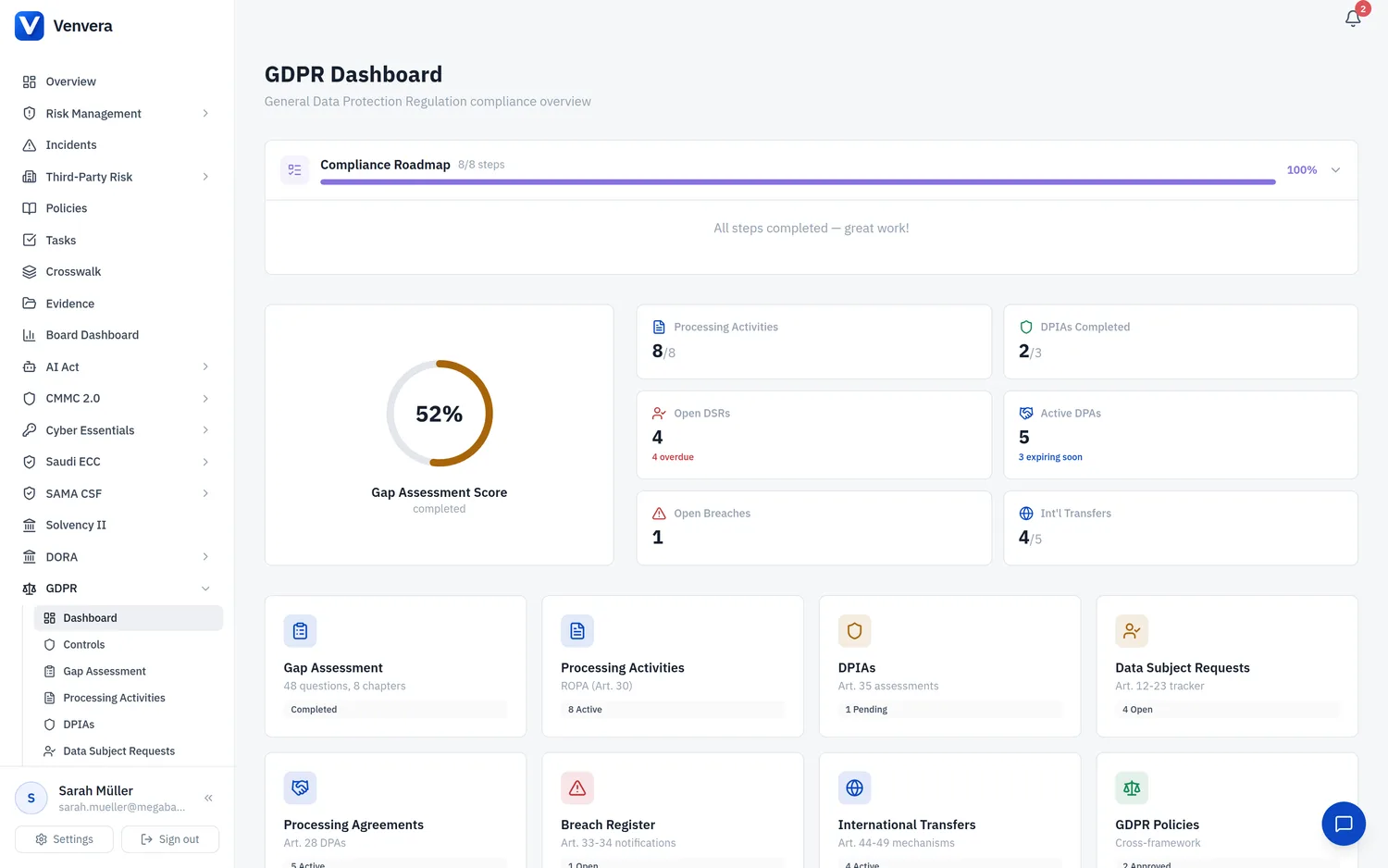
The Processing Activities sub-module in Venvera enables your organization to maintain a comprehensive Record of Processing Activities (ROPA) as mandated by Article 30 of the GDPR. This record is a foundational compliance requirement - every controller and processor must maintain a written record of the processing activities carried out under their responsibility. This article covers every field, workflow step, and feature available in the Processing Activities management interface.
Under Art. 30(1), every data controller must maintain a record of processing activities. Under Art. 30(2), every data processor must maintain a record of processing activities carried out on behalf of controllers. Art. 30(5) provides a limited exemption for organizations with fewer than 250 employees, but only if the processing is occasional, does not include special categories of data, and is unlikely to result in a risk to data subjects' rights. In practice, most organizations should maintain a ROPA regardless of size.
Accessing Processing Activities
From the sidebar, expand GDPR and click Processing Activities. The main view displays a searchable, sortable table listing all processing activity records for your organization.
The table shows key fields at a glance: Activity Name, Purpose, Legal Basis, Status, and the date of last update. You can sort by any column, search by activity name, and filter by status or legal basis using the filter controls above the table.
Click Add Processing Activity in the top-right corner to open the creation form. Fill in all required fields (marked with Required) and any optional fields, then click Save to create the record.
Click on any row in the table to open the detail view for that processing activity. From the detail view, click Edit to modify the record. All changes are tracked in the audit log with timestamps and the identity of the user who made the change.
Processing Activity Form Fields
The following table documents every field available when creating or editing a processing activity record:
| Field | Type | Status | Description |
|---|---|---|---|
| Activity Name | Text | Required | A clear, descriptive name for the processing activity. This should be specific enough to distinguish it from other activities. Examples: "Employee Payroll Processing", "Customer Marketing Email Campaign", "Website Analytics Tracking". Avoid vague names like "Data Processing" or "General Use". |
| Purpose | Text Area | Required | A detailed description of why this processing activity is carried out. Under Art. 5(1)(b), personal data must be collected for specified, explicit, and legitimate purposes. Describe the business need, the outcome expected, and how the processing serves the stated purpose. Example: "To calculate and distribute monthly salaries, statutory deductions, and pension contributions for all employees in accordance with employment contracts and applicable labor law." |
| Legal Basis | Dropdown | Required | The lawful basis under Art. 6(1) for this processing activity. Select one of the following:
|
| Data Categories | Multi-select / Tags | Required | The categories of personal data processed in this activity. Select all applicable categories, such as: Name, Email, Phone Number, Address, Date of Birth, Financial Data, Employment Data, Health Data, Biometric Data, Location Data, IP Address, Online Identifiers, Behavioral Data, Image/Video, Criminal Records, Political Opinions, Religious Beliefs, Trade Union Membership, Genetic Data, Sexual Orientation. Special categories under Art. 9 are highlighted to draw attention to the additional safeguards required. |
| Data Subject Categories | Multi-select / Tags | Required | The categories of individuals whose data is processed. Examples: Employees, Customers, Prospects, Website Visitors, Suppliers, Job Applicants, Patients, Students, Minors, Members of the Public. Identifying data subject categories helps ensure that appropriate safeguards are in place for each group, particularly vulnerable groups such as children or patients. |
| Recipients | Multi-select / Tags | Required | Categories of recipients to whom the personal data has been or will be disclosed. This includes internal departments (e.g., HR, Finance, IT), external processors (e.g., payroll provider, cloud hosting), regulatory authorities, and any other third parties. Under Art. 30(1)(d), you must record the categories of recipients, including recipients in third countries or international organizations. |
| Retention Period | Text | Required | The envisaged time limits for erasure of the different categories of data, as required by Art. 30(1)(f). Specify the retention period in a clear, measurable format (e.g., "7 years from end of employment relationship", "2 years from last customer interaction", "Duration of contract plus 6 months"). If different data categories within the same processing activity have different retention periods, document each separately in the notes. |
| International Transfers | Toggle (Yes/No) | Required | Indicates whether personal data processed in this activity is transferred to a third country (outside the EEA) or an international organization. If set to Yes, the Transfer Safeguards field becomes required and you should also create a corresponding record in the International Transfers sub-module. |
| Transfer Safeguards | Text Area | Optional (Required if International Transfers is Yes) | Description of the appropriate safeguards in place for international transfers, as required by Art. 30(1)(e) and Art. 46. Document the transfer mechanism (e.g., EU Standard Contractual Clauses, Binding Corporate Rules, adequacy decision), any supplementary measures, and whether a Transfer Impact Assessment has been completed. |
| Technical Measures | Text Area | Optional | A general description of the technical security measures in place for this processing activity, as required by Art. 30(1)(g). Examples: encryption at rest and in transit (AES-256, TLS 1.3), access controls (RBAC, MFA), pseudonymization, database-level security, network segmentation, intrusion detection systems, backup and disaster recovery mechanisms, logging and monitoring. |
| Organizational Measures | Text Area | Optional | A general description of the organizational security measures in place for this processing activity, as required by Art. 30(1)(g). Examples: data protection policies, staff training and awareness programs, access request procedures, clean desk policy, visitor management, confidentiality agreements, regular audits, incident response procedures, vendor management processes. |
| Status | Dropdown | Required | The current status of this processing activity:
|
If you select any special category data types in the Data Categories field (Health Data, Biometric Data, Genetic Data, Political Opinions, Religious Beliefs, Trade Union Membership, Sexual Orientation, or Criminal Records), the system will display a warning banner reminding you that processing special category data requires an additional legal basis under Art. 9(2) beyond the Art. 6(1) legal basis. You should document the Art. 9 basis in the Purpose field or in the notes.
Workflow and Lifecycle Management
Processing activities follow a defined lifecycle within Venvera:
A new processing activity is created with all required fields populated. It starts in either Active or Under Review status depending on whether the processing has already begun or is still being planned.
Active processing activities should be reviewed periodically (at least annually) to ensure that the purpose, legal basis, data categories, recipients, and security measures are still accurate and appropriate. During a review, the status can be temporarily changed to Under Review.
When a processing activity changes - for example, new data categories are collected, a new recipient is added, or the legal basis changes - the record should be updated to reflect the current state. All modifications are recorded in the audit log with full change history.
When processing ceases, change the status to Inactive. Do not delete the record - it serves as historical evidence of compliance during the period the processing was active. Inactive records remain in the ROPA and are accessible for audit purposes.
For processing activities that are high risk (e.g., large-scale processing of special categories, systematic monitoring of public areas, automated decision-making with legal effects), you should create a corresponding DPIA in the DPIAs sub-module and link it to this processing activity. The DPIA form includes a field to select the linked processing activity, creating a bidirectional reference that ensures traceability between the ROPA and the impact assessment.
Searching, Filtering, and Sorting
The Processing Activities list view supports several tools for efficient management:
- Search - Full-text search across Activity Name and Purpose fields. Type at least 3 characters to trigger the search.
- Filter by Status - Filter to show only Active, Under Review, or Inactive records, or any combination.
- Filter by Legal Basis - Show only processing activities using a specific legal basis (e.g., only "Consent" activities to audit consent management).
- Sort - Click any column header to sort ascending/descending. Default sort is by Activity Name alphabetically.
Exporting the ROPA
Export the ROPA in CSV (for spreadsheet analysis) or PDF (for supervisory authority presentation per Art. 30(4)) format. Exports include a timestamp, exporting user identity, and total record count.