
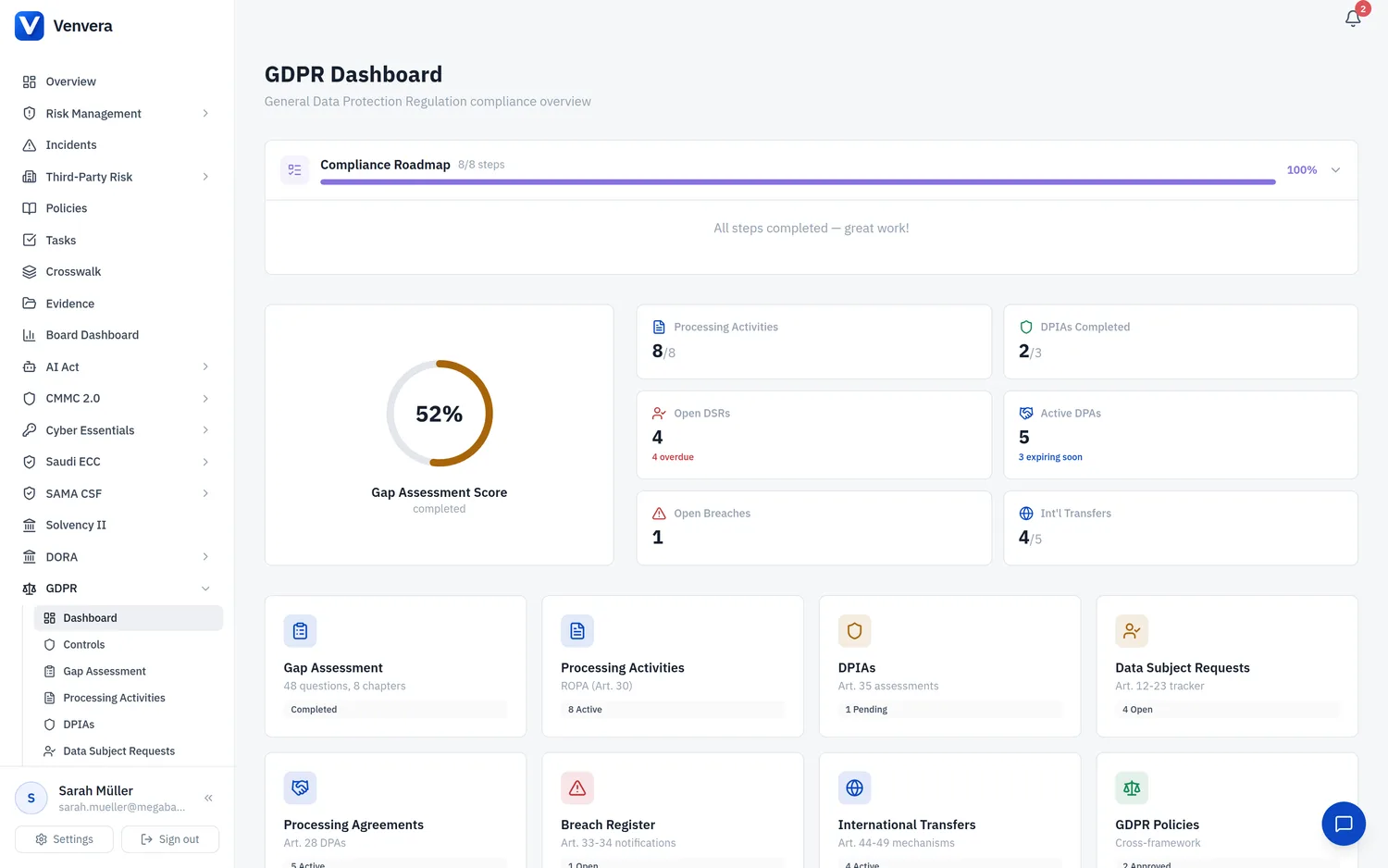
The Data Subject Requests sub-module in Venvera provides a centralized tracker for managing all requests received from data subjects exercising their rights under Articles 12 through 23 of the GDPR. The GDPR grants individuals a comprehensive set of rights over their personal data, and controllers must be able to receive, verify, process, and respond to these requests within strict time limits. This article covers every request type, form field, workflow step, and compliance consideration in the DSR tracker.
Under Art. 12(3), controllers must respond to data subject requests without undue delay and in any event within one month of receipt of the request (approximately 30 calendar days). This deadline can be extended by a further two months where necessary, taking into account the complexity and number of requests, but the controller must inform the data subject of the extension within the initial one-month period, together with the reasons for the delay. Venvera automatically calculates the 30-day deadline from the received date and flags overdue requests.
Accessing the DSR Tracker
From the sidebar, expand GDPR and click Data Subject Requests. The main view displays a table listing all DSRs with columns for Requester Name, Request Type, Status, Received Date, Deadline, and Assigned To.
The table is sorted by deadline by default, with the most urgent (closest deadline or overdue) requests at the top. Overdue requests are highlighted with a red background and a warning icon. Open requests approaching their deadline (within 7 days) are highlighted in amber.
Click Add Request in the top-right corner to open the creation form. Log the request as soon as it is received - the received date determines the 30-day response deadline, so prompt logging is essential for compliance.
Assign the request to a team member, process it according to the request type, record the response, and mark the request as Completed. The full audit trail is preserved for accountability.
Request Types
Venvera supports all seven categories of data subject rights under the GDPR. When creating a DSR, you select the applicable request type from the following:
| Request Type | GDPR Article | Description |
|---|---|---|
| Access | Art. 15 | Right to obtain confirmation of processing and access to personal data plus supplementary information (purposes, categories, recipients, retention period, rights, source, automated decision-making). A copy must be provided free of charge in electronic format if requested electronically. |
| Rectification | Art. 16 | Right to correct inaccurate data and complete incomplete data without undue delay. Recipients must be notified of rectification per Art. 19 unless impossible or disproportionate. |
| Erasure | Art. 17 | The "right to be forgotten" - erasure where: data no longer necessary, consent withdrawn, objection with no overriding grounds, unlawful processing, legal requirement, or child's data. Exemptions apply for freedom of expression, legal obligations, public health, archiving, and legal claims (Art. 17(3)). |
| Restriction | Art. 18 | Right to restrict processing where: accuracy contested, processing unlawful but erasure opposed, controller no longer needs data but subject needs it for legal claims, or objection pending verification. Restricted data may only be stored; further processing requires consent or is limited to legal claims and public interest. |
| Portability | Art. 20 | Right to receive personal data in a structured, commonly used, machine-readable format (JSON, CSV, XML) and transmit to another controller. Applies only to consent- or contract-based processing carried out by automated means. Direct controller-to-controller transmission where technically feasible. |
| Objection | Art. 21 | Right to object to processing based on public interest or legitimate interests, including profiling. Controller must cease unless compelling legitimate grounds override. For direct marketing, the right to object is absolute and processing must stop immediately. |
| Automated Decision | Art. 22 | Right not to be subject to decisions based solely on automated processing (including profiling) that produce legal or similarly significant effects. Exceptions: contract necessity, legal authorization, or explicit consent - but safeguards must include human intervention, the right to express views, and the right to contest. |
DSR Form Fields
| Field | Type | Status | Description |
|---|---|---|---|
| Requester Name | Text | Required | The full name of the data subject making the request. This is used to identify the requester and locate their personal data across your systems. If the requester's identity cannot be verified, you may request additional information for identification purposes under Art. 12(6) before processing the request. |
| Requester Email | Required | The email address of the data subject. This serves as the primary communication channel for acknowledging receipt of the request, requesting clarification, providing updates, and delivering the final response. Ensure that any communication sent to this address is secure and does not inadvertently disclose additional personal data. | |
| Request Type | Dropdown | Required | Select the type of request from the seven options documented above (Access, Rectification, Erasure, Restriction, Portability, Objection, Automated Decision). If a data subject exercises multiple rights in a single communication, create separate DSR records for each right to track them independently. |
| Description | Text Area | Required | A detailed description of the request as received from the data subject. Include the specific data or processing activities the request relates to, any context provided by the requester, and any special circumstances (e.g., the data subject is a minor, the request relates to data held by a processor). Quote the data subject's own words where possible for accuracy and accountability. |
| Assigned To | User Dropdown | Optional | The team member responsible for processing this request. Assigning a request ensures clear ownership and accountability. The assigned user will receive notifications about the request status and approaching deadlines. If not assigned, the request remains in the general queue for the DPO or data protection team to pick up. |
| Received Date | Date Picker | Required | The date on which the request was received by the organization. This is the date that starts the 30-day response clock under Art. 12(3). If the request was received via email, use the email receipt date. If received verbally, use the date of the conversation. If received by post, use the date the letter was opened and logged. Accurate recording of this date is critical for compliance. |
| Deadline | Date (Auto-calculated) | Required | Automatically calculated as 30 calendar days from the Received Date. This field is read-only by default. If you need to extend the deadline (for complex or numerous requests, as permitted by Art. 12(3)), you can manually override this field, but you must document the reason for the extension and ensure the data subject is notified within the initial 30-day period. The system tracks whether the original or extended deadline applies. |
| Response Date | Date Picker | Optional | The date on which the final response was provided to the data subject. Set this field when the request is completed, whether the outcome is fulfillment, rejection, or exemption. The system calculates the response time (difference between Received Date and Response Date) and flags any response that exceeded the deadline. |
| Status | Dropdown | Required | The current status of the request:
|
Before processing any DSR, verify the requester's identity under Art. 12(6) to prevent unauthorized disclosure or modification. Document verification steps taken. Common methods: matching request email with records, requesting redacted government ID, or using existing authentication.
DSR Processing Workflow
Create a DSR record immediately upon receipt (email, web form, phone, letter). The 30-day clock starts from the received date.
Send an acknowledgment to the data subject and verify their identity. The 30-day clock does not pause during verification, so act promptly.
Determine validity, check exemptions, assign to the appropriate team member, and carry out the required action (data compilation, rectification, erasure, portability export, etc.).
Respond before the deadline, record the response date, update status, and document the outcome. For rejections, include reasons and inform of complaint/judicial remedy rights.
If a data subject exercises multiple rights simultaneously (e.g., access and erasure), create a separate DSR for each right. This ensures each right is tracked, deadlined, and resolved independently. Linking the records by requester name and email allows you to view all requests from the same data subject in the search results.
Filtering and Reporting
The DSR tracker supports the following filters for efficient queue management:
- Status filter - Show only Open, Completed, Rejected, or Exempt requests.
- Request type filter - Show only specific request types (e.g., all Erasure requests).
- Overdue filter - Show only overdue requests (deadline passed, status still Open).
- Assigned To filter - Show requests assigned to a specific team member.
- Date range filter - Filter by received date range for periodic reporting.
The DSR tracker can be exported in CSV format for reporting to senior management, the DPO, or supervisory authorities. The export includes all fields and calculated metrics (response time, overdue status).