
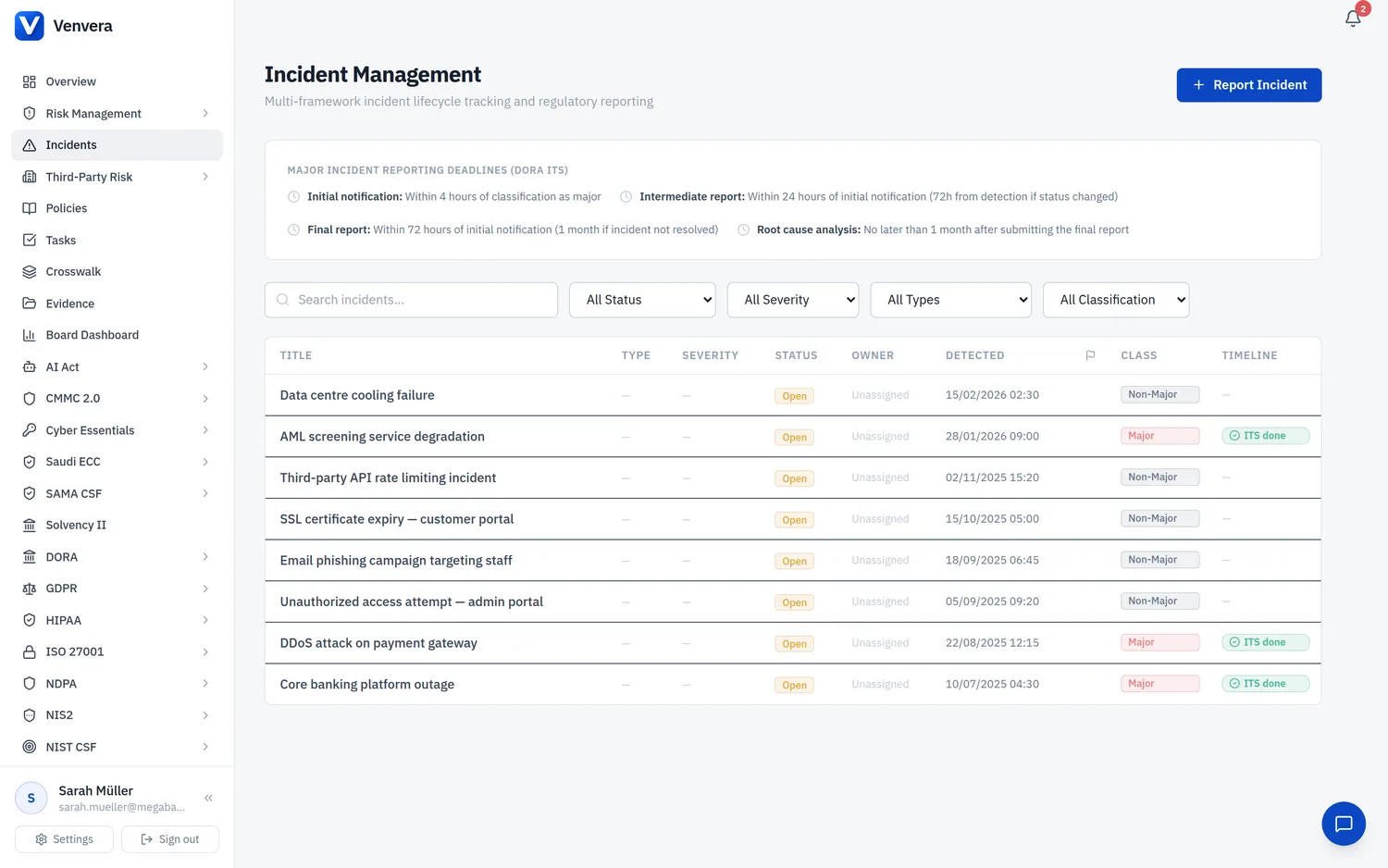
The Breach Register sub-module in Venvera provides a structured system for documenting, managing, and tracking personal data breaches as required by Articles 33 and 34 of the GDPR. A personal data breach is defined as a breach of security leading to the accidental or unlawful destruction, loss, alteration, unauthorized disclosure of, or access to, personal data transmitted, stored, or otherwise processed. This article covers every field in the breach record, the notification workflow, and the compliance requirements surrounding breach management.
Under Art. 33(1), the controller must notify the competent supervisory authority (Data Protection Authority / DPA) of a personal data breach without undue delay and, where feasible, not later than 72 hours after having become aware of it. If notification is not made within 72 hours, it must be accompanied by reasons for the delay. The only exception is where the breach is unlikely to result in a risk to the rights and freedoms of natural persons - in which case notification is not required, but the breach must still be documented in the internal breach register.
Accessing the Breach Register
From the sidebar, expand GDPR and click Breaches. The main view displays a table listing all breach records with columns for Title, Breach Type, Risk Level, Date Discovered, Status, and whether DPA notification is required.
Open breaches (Under Investigation or Contained) are shown at the top, sorted by date discovered (most recent first). Breaches with pending DPA notification are highlighted with a red notification icon and the time remaining until the 72-hour deadline. Closed breaches are shown below in grey.
Click Report Breach in the top-right corner to open the breach report form. Time is critical - log the breach as soon as it is identified to start the 72-hour notification clock accurately. Fill in all known information; you can update the record as the investigation progresses.
Work through the breach lifecycle: investigate the cause and scope, implement containment measures, determine notification obligations, make required notifications, and close the breach when all actions are complete.
Breach Record Form Fields
| Field | Type | Status | Description |
|---|---|---|---|
| Title | Text | Required | A concise, descriptive title identifying nature and scope at a glance. Examples: "Unauthorized Access to Customer Database", "Ransomware Attack on HR File Server". Avoid generic titles like "Data Breach". |
| Description | Rich Text Area | Required | A detailed narrative of the breach covering: what happened (sequence of events), how it was discovered (monitoring alert, user report, third-party notification), the timeline (occurrence, discovery, containment), systems and locations involved, personnel or third parties involved, and immediate actions taken. This forms part of Art. 33(5) documentation and may be included in the supervisory authority notification. Update as the investigation progresses. |
| Breach Type | Dropdown | Required | Breach classification by CIA triad:
|
| Risk Level | Dropdown | Required | Risk to data subjects' rights and freedoms, determining notification obligations:
|
| Date Discovered | Date/Time Picker | Required | The date and time when the organization became aware of the breach. Under EDPB guidance, a controller is considered "aware" when it has a reasonable degree of certainty that a security incident has occurred that has led to personal data being compromised. This is the moment from which the 72-hour notification deadline begins. Record this as precisely as possible (date and time). Note: the date the breach actually occurred may be different from the date it was discovered - document both in the Description field. |
| Affected Data Categories | Multi-select / Tags | Required | Categories of personal data affected (Name, Email, Financial Data, Health Data, Biometric Data, Login Credentials, etc.). Special category data (Art. 9) significantly increases risk assessment and notification likelihood. |
| Number of Data Subjects | Number | Required | Approximate number of affected data subjects (required in DPA notification per Art. 33(3)(a)). Enter best estimate initially; update as investigation progresses. Information can be provided in phases (Art. 33(4)). |
| Containment Measures | Rich Text Area | Required | Measures taken to address the breach and mitigate adverse effects (Art. 33(3)(d)). Document immediate containment (revoking access, isolating systems, blocking accounts), short-term remediation (patching, password resets, backup restoration), long-term prevention (new security controls, policy updates, training), and communication actions (internal notifications, incident response partners). |
| Root Cause | Text Area | Optional | The underlying cause of the breach, determined through investigation. Common root causes include: phishing attack, unpatched vulnerability, misconfigured access controls, human error (accidental disclosure), insider threat (malicious employee), lost/stolen device, third-party/supplier breach, social engineering, insufficient encryption, inadequate backup procedures. Identifying the root cause is essential for implementing effective preventive measures and avoiding recurrence. |
| DPA Notification Required | Toggle (Yes/No) | Required | Whether DPA notification is required under Art. 33. Yes for Medium/High/Critical risk levels. No only for Low risk. Document the reasoning - Art. 33(5) requires this even when notification is not made. |
| Data Subject Notification Required | Toggle (Yes/No) | Required | Whether data subject notification is required under Art. 34. Yes for High/Critical risk. Art. 34(3) exemptions: data rendered unintelligible (encryption), subsequent measures eliminating the risk, or disproportionate effort (use public communication instead). Document any exemption relied upon. |
| Notification Due Date | Date/Time (Auto-calculated) | Required | Auto-calculated as 72 hours from Date Discovered. Shows the DPA notification deadline with a countdown timer. Red warning displayed if deadline passes without notification. Can be manually adjusted in exceptional circumstances; delay reasons must be documented per Art. 33(1). |
| Status | Dropdown | Required | Current breach status:
|
Art. 33(5) requires the controller to document any personal data breach - not just those that require notification. The documentation must include the facts relating to the breach, its effects, and the remedial action taken. This documentation serves as evidence of compliance and must be available for inspection by the supervisory authority. The Venvera Breach Register fulfills this documentation requirement by maintaining a complete, timestamped, audit-trailed record of every breach.
Breach Response Workflow
Create a breach record immediately upon identification. Record the Date Discovered accurately (starts the 72-hour clock), fill in Title, Description, Breach Type, and initial Risk Level. Set status to "Under Investigation".
Determine scope, data categories, volume, and number of affected data subjects. Update the record and reassess Risk Level using EDPB criteria (breach type, data sensitivity, identifiability, severity, subject characteristics, scale).
Implement containment measures, document them in the record, and update status to "Contained" once the immediate threat is neutralized.
Determine DPA and data subject notification requirements based on risk assessment. Ensure DPA notification before 72-hour deadline. The notification must include: breach nature, data subject categories/count, DPO contact, likely consequences, and measures taken.
For High/Critical risk breaches, notify affected individuals in clear language covering: breach nature, DPO contact, likely consequences, and mitigation measures. Document communication method and content.
Investigate root cause, document findings, implement preventive measures, and update the record with long-term remediation actions.
Set status to "Closed" when all actions are complete. Conduct a lessons-learned review, update procedures and controls. The record is retained permanently.
If the personal data breach originated from or is related to an ICT incident tracked in Venvera's Incidents module, reference the ICT incident ID in the breach Description field. This cross-referencing ensures complete traceability between the ICT incident response (focused on technical recovery) and the GDPR breach management (focused on data protection compliance and notification obligations).
Exporting and Reporting
The Breach Register can be exported in CSV or PDF format. Individual breach records can also be exported as standalone PDF documents containing all fields and the complete timeline of status changes. These exports are designed for submission to supervisory authorities, internal audit reports, board presentations, and compliance evidence archives. The system also provides summary statistics (total breaches per period, average containment time, notification compliance rate) for trend analysis and management reporting.