
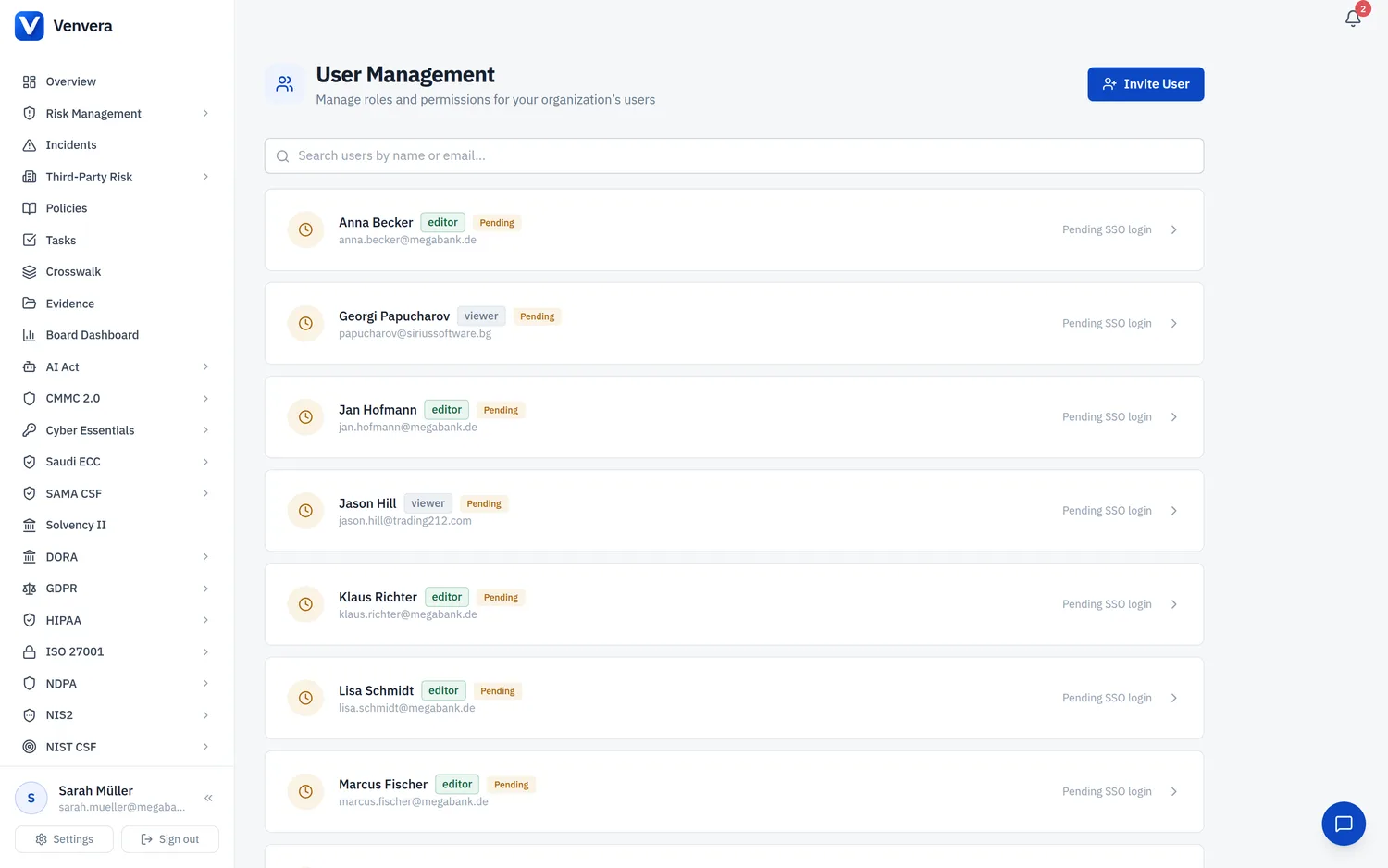
Venvera uses a role-based access control (RBAC) system. Your administrator assigns you a role that determines what you can see and do across the platform.
Roles
| Role | Can View | Can Edit | Can Manage |
|---|---|---|---|
| Admin | Everything | Everything | Users, settings, all modules. Can invite/remove users, change roles, enable frameworks, configure organisation settings. |
| Editor | All enabled modules | All enabled modules | Cannot manage users or organisation settings. Can create, edit, and delete records in all modules. |
| Viewer | All enabled modules | Nothing | Read-only access. Cannot create, edit, or delete any records. Useful for auditors or stakeholders who need visibility. |
What each role can do
- Admins - Full access including user management (Settings → Users), company profile editing, framework enabling/disabling, and all CRUD operations across every module.
- Editors - Can create assessments, add providers, log incidents, manage policies, and perform all day-to-day compliance work. Cannot access user management or change organisation-level settings.
- Viewers - See all dashboards, lists, and detail pages in read-only mode. Form fields and action buttons are hidden or disabled. Ideal for board members, external auditors, or oversight roles.
Granular per-module permissions
The three roles above are starting templates. Under the hood, access is controlled by fine-grained permissions of the form module.action, where the actions are View (read-only), Edit (create and update), and Manage (delete and administrative operations). Every module has its own set - Incidents, Policies, Risk Management, Gap Assessment, Third-Party Risk, each framework, Tasks, Integrations, Reports, Audit Trail, User Management, and more.
When an admin edits a user in Settings - Users, they can override the template and grant or revoke individual permissions per module. This lets you, for example, give someone Edit rights to Policies but only View rights to the risk register.
External auditor access
In addition to internal roles, Venvera has a dedicated auditor access path for external assessors. An admin invites an auditor, who signs in through a magic link and verification code into a separate, read-only auditor session, without consuming a normal user seat. This keeps external auditors cleanly separated from your internal team while giving them the visibility they need for an assessment.
Company groups
Admins can organise users into groups (teams) in Settings - Groups, assign members and group leads, and optionally mirror read-only groups from Microsoft 365 / Entra ID. Groups are used for ownership and assignment across the platform.
Platform administrators
In addition to tenant roles, Venvera has a platform admin tier. Platform admins can manage all organisations, view system-wide metrics, and access the /admin panel. This is typically reserved for Venvera staff.
Framework gating
Your organisation's enabled regulatory frameworks (e.g., DORA + GDPR) determine which sidebar sections appear. Enabled frameworks are configured by a Venvera platform administrator, not from within tenant settings. On the Company Profile page they are shown as read-only badges. Contact Venvera to change which frameworks are enabled.