
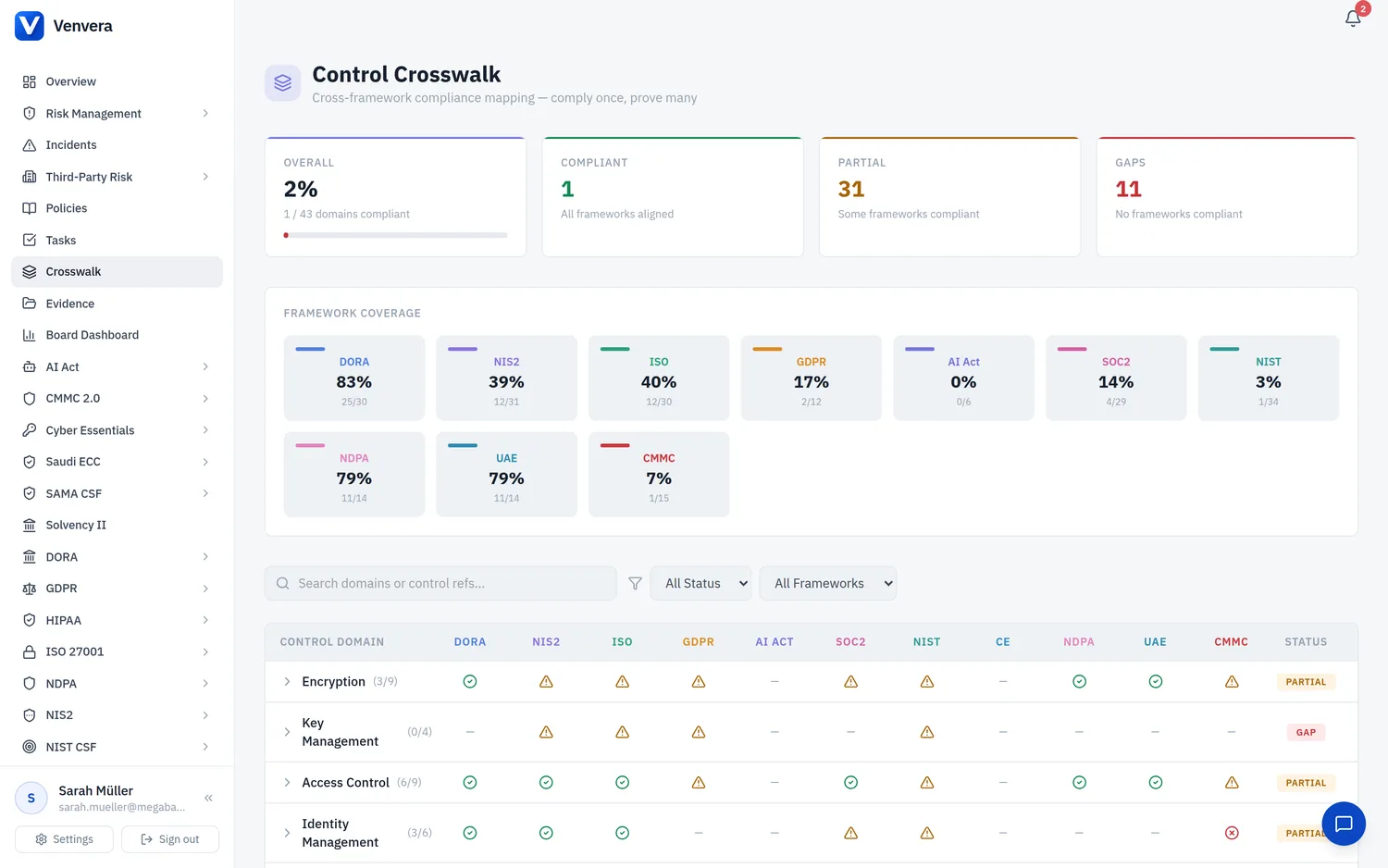
The Controls page lists all 114 ECC controls grouped by domain and subdomain. Each control can be tracked through its full implementation lifecycle from initial review to operational effectiveness.
Control List View
Controls are displayed in a table with the following columns:
| Column | Description |
|---|---|
| Control ID | The official NCA reference (e.g. ECC-1-1-1, ECC-2-3-2) |
| Title | Short description of the control requirement |
| Domain | Which of the 5 ECC domains this control belongs to |
| Implementation Status | Not Started, In Progress, Implemented, Not Applicable |
| Evidence | Count of linked evidence documents |
| Last Reviewed | Date of the most recent review or update |
Updating a Control
Click any row to expand the control detail panel. You will see the full NCA requirement text, implementation guidance, and linked evidence.
Choose the appropriate status from the dropdown. Use Not Applicable only when the control genuinely does not apply to your organisation's scope (e.g. ICS controls for a non-industrial entity), and document the justification.
Describe how your organisation satisfies the control. Be specific - reference policies, tools, and processes by name. NCA auditors expect concrete evidence, not generic statements.
Select the team member responsible for maintaining this control. The owner receives notifications when evidence is due for refresh or when the control is included in an upcoming audit.
Click "Link Evidence" to attach existing evidence documents, or "Upload New" to add a new document. Each control should have at least one piece of supporting evidence.
Filtering & Search
Use the filter bar above the controls table to narrow results by domain, subdomain, status, or owner. The search box performs a full-text search across control IDs, titles, and implementation notes.
Bulk Operations
Select multiple controls using the checkboxes, then use the bulk action menu to:
- Change status - Set all selected controls to the same implementation status
- Assign owner - Assign all selected controls to a team member
- Export - Download selected controls as CSV for offline review