
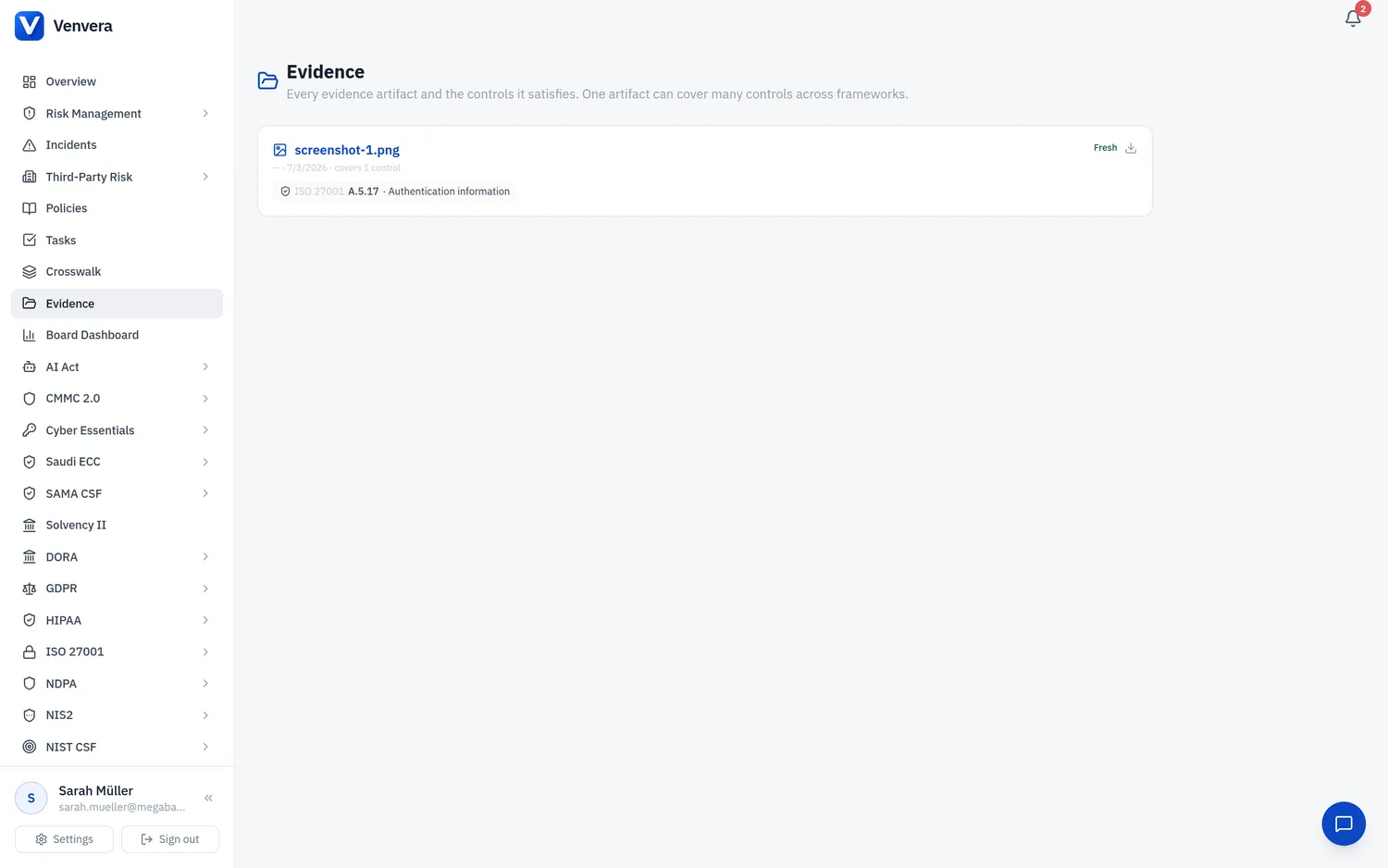
The Evidence page centralises all documentation that supports your ECC compliance claims. NCA auditors expect concrete artifacts for each implemented control, so maintaining a well-organised evidence library is critical.
Evidence Types
| Type | Examples |
|---|---|
| Policy Documents | Information security policy, access control policy, incident response plan |
| Procedures | Change management procedure, backup procedure, vulnerability scanning SOP |
| Configuration Evidence | Firewall rules export, MFA configuration screenshots, encryption settings |
| Logs & Reports | Access review logs, penetration test reports, vulnerability scan results |
| Training Records | Awareness training completion certificates, attendance records |
| Contracts | Third-party security agreements, SLAs with cybersecurity clauses |
Uploading Evidence
From the ECC sidebar, click Evidence. You will see a list of all uploaded evidence documents with their linked controls.
Click "Upload Evidence". Select the file (PDF, DOCX, XLSX, PNG, JPG supported, max 25 MB). Enter a descriptive title and select the evidence type from the dropdown.
Select one or more ECC controls that this evidence supports. A single document (e.g. an information security policy) can be linked to multiple controls across different domains.
Evidence should be refreshed periodically. Set a review date to receive reminders when the document needs updating. Best practice: align review dates with your gap assessment cycle.
Evidence Coverage
The Evidence Coverage panel shows how many ECC controls have at least one linked evidence document. Controls without evidence are flagged in amber and should be prioritised before an NCA audit.
Evidence Versioning
When you upload a new version of an existing document, Venvera retains previous versions for audit trail purposes. Click "View History" on any evidence item to see all versions with upload dates and the user who uploaded each one.