
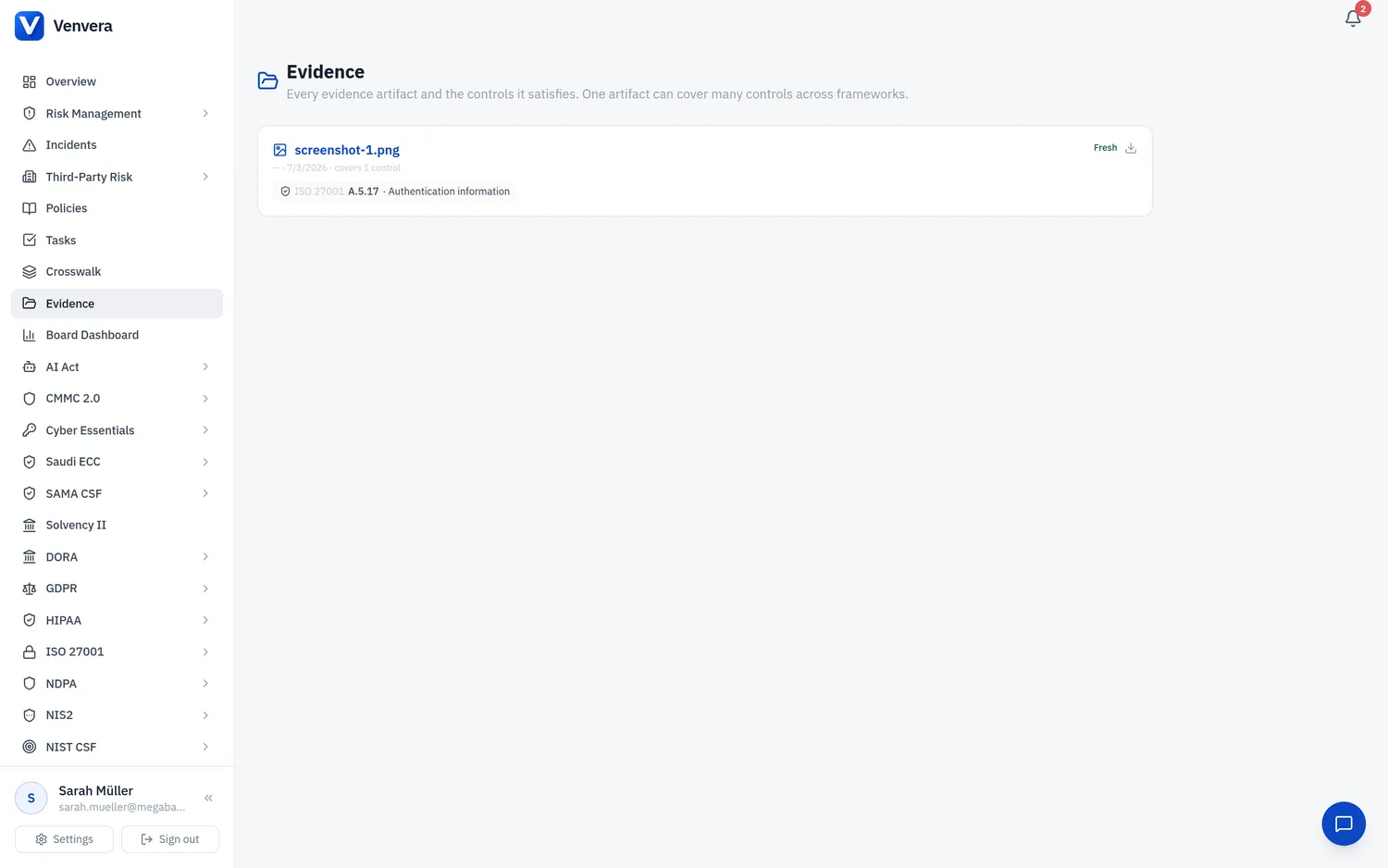
Auditors reject stale evidence, so Venvera tracks the freshness of every piece of control evidence and renews or retires it automatically. Evidence is not "set and forget": each item has a renewal cadence and an expiry date, and the platform acts on them.
Renewal cadence
When you save evidence, Venvera assigns a review frequency automatically (monthly, quarterly, semi-annual, annual, biennial, or none). There is no cadence picker in the evidence form: it uses the control's recommended cadence where one exists, otherwise annual. An expiry date is calculated from that cadence.
What happens over time
Within 30 days of expiry, the owner (or, if none is set, your admins) gets a reminder to renew. The control shows a Renew soon badge.
Once past its expiry, the evidence is marked stale and the owner is notified.
If a control has no current evidence left, and it was made Compliant by evidence, it reverts to "evidence needed" across its frameworks and crosswalk equivalents. Controls set Compliant by other means are never touched, and a control still backed by another evidenced sibling stays Compliant.
Renewing evidence
Open the evidence widget on a control and click the renew icon on any item that is expiring or expired. This re-stamps the date and recomputes the next expiry from the cadence. You can also provide a fresh artifact, which supersedes the old one.
Evidence health
The platform exposes a freshness rollup (fresh, expiring soon, expired) so you can see at a glance how much of your evidence base needs attention.