
The AI Evidence Assistant helps you collect the right evidence and check that what you have actually satisfies the control. It uses your organisation's own AI provider.
Prerequisite: configure a provider in Settings → AI Assistant. Venvera supports Claude, OpenAI and DeepSeek. The key is validated against the provider before it is saved, so a dead key is caught immediately rather than failing later.
Collection guidance
In the evidence widget, click "What makes good evidence here?". The assistant lists the concrete artifacts an auditor would accept for that specific control, so you know what to gather.
Evidence review
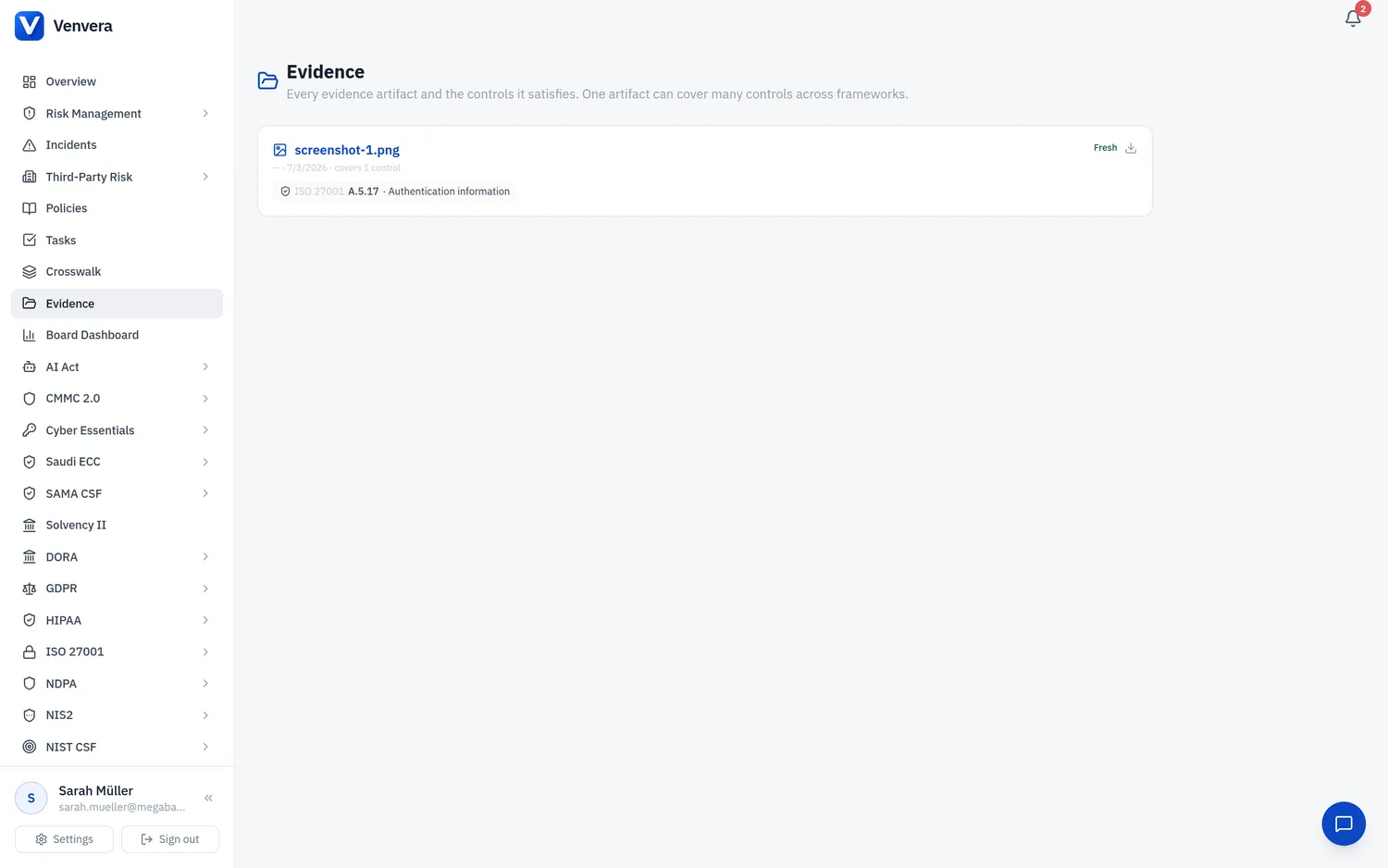
On any uploaded evidence item, click the sparkles icon to have the assistant review it against the control requirement. It returns:
- A verdict on whether the evidence looks sufficient.
- A short rationale and any gaps it identifies (for example, "this is a deployment log, not a change-approval record").
- Suggested controls - other controls the same artifact likely satisfies, drawn from the curated crosswalk (real control references only, never invented). Attach the artifact to any of them in one click.
What the assistant can actually read. The review reads the text of Word (.docx) uploads and your written description. PDFs, screenshots and spreadsheets are identified by filename only, so a PDF-only or screenshot-only item with no description is usually graded "not sufficient" simply because the content could not be analysed. Add a short written description alongside such files so the assistant can judge them fairly.
Advisory, not authoritative. The assistant is a second pair of eyes. It never blocks you from saving evidence, and a qualified reviewer should make the final call.
No standing nag. If a provider is not configured, Venvera only prompts you to add a key at the moment you use an AI feature that needs one, never as a permanent banner.