
The Google Workspace integration performs a read-only posture scan of your directory through the Admin SDK and maps the results to your framework requirements. It connects with a Venvera-hosted service account through domain-wide delegation: no password and no per-tenant secret is stored, and Venvera reads on behalf of an administrator you name.
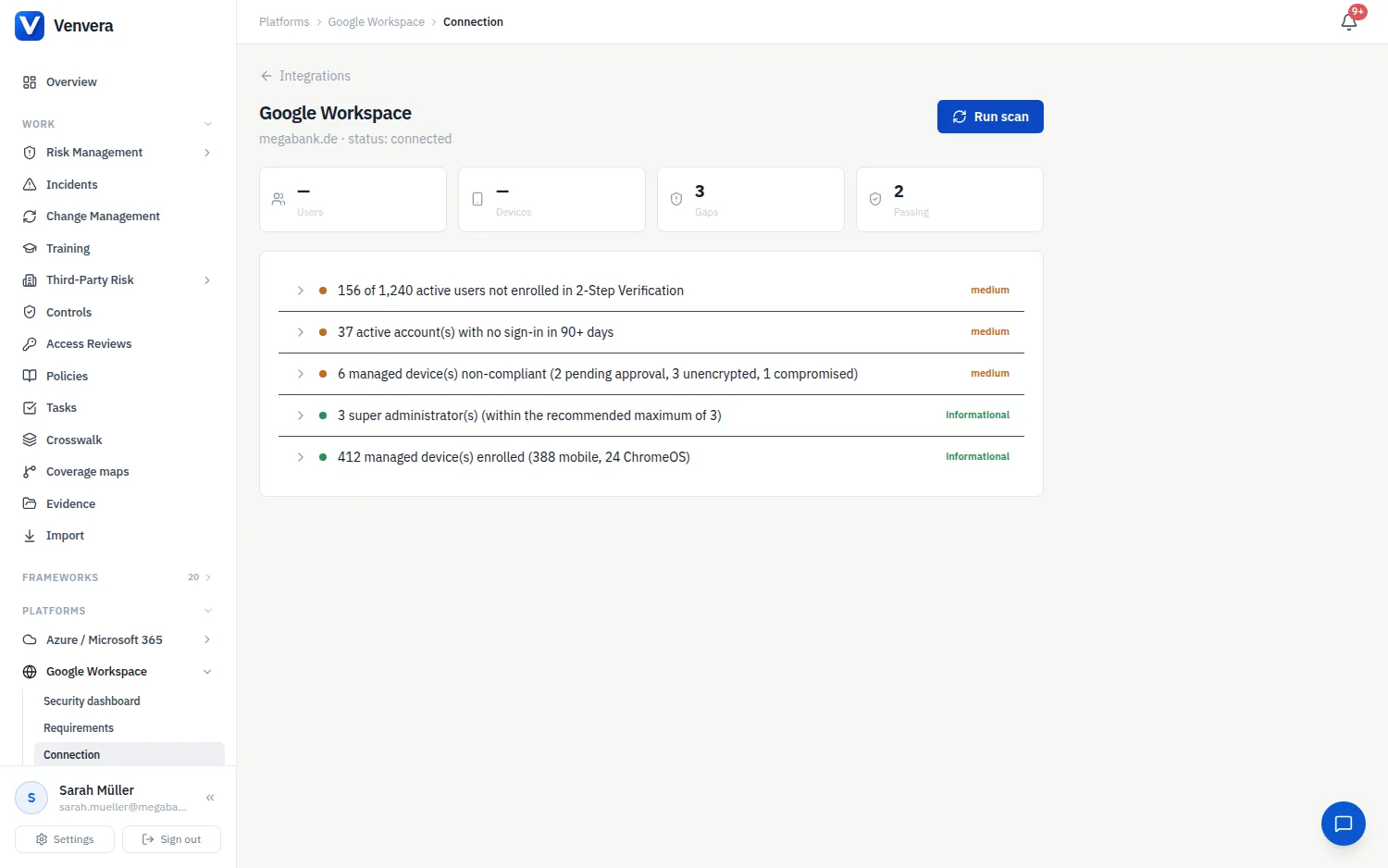
Connecting your workspace
From the Integrations hub open the Google Workspace card and choose Set up. The page shows Venvera's service account, its Client ID and the exact read-only OAuth scopes it needs. Copy the client id and the scopes.
A Workspace super-admin goes to Admin Console › Security › Access and data control › API controls › Domain-wide delegation, adds a new client with that client id, and grants exactly the listed scopes. Nothing else in the Admin Console needs to change.
Back in Venvera, enter the e-mail of a super-admin (or a delegated admin with the Admin SDK privilege) and, optionally, your primary domain. The service account reads the directory as that administrator.
Click Test & connect. Venvera performs a live read against your directory before saving the connection, so a missing scope or a wrong admin address fails here rather than during a scan.
What the scan checks
| Check | What it looks for |
|---|---|
| 2-Step Verification | Enrolment and enforcement of 2SV across active users |
| Super-admins | No more than three super-administrator accounts |
| Dormant accounts | Accounts with no sign-in for more than 90 days |
| Device compliance | Managed device posture; users, mobile and ChromeOS devices are captured as resources |
The Google scanner grades every check, so a passing check appears as an informational result rather than as silence. Each finding carries remediation guidance and the controls it maps to, and can be attached as evidence with one click - the crosswalk marks the equivalent controls in your other frameworks at the same time.
The Google Workspace section
Once connected, Google Workspace appears under Platforms in the sidebar with its own security dashboard, the framework requirements the scan evidences, a coverage map and the findings and scan history. See Azure / Microsoft 365 and Google Workspace security dashboards.