
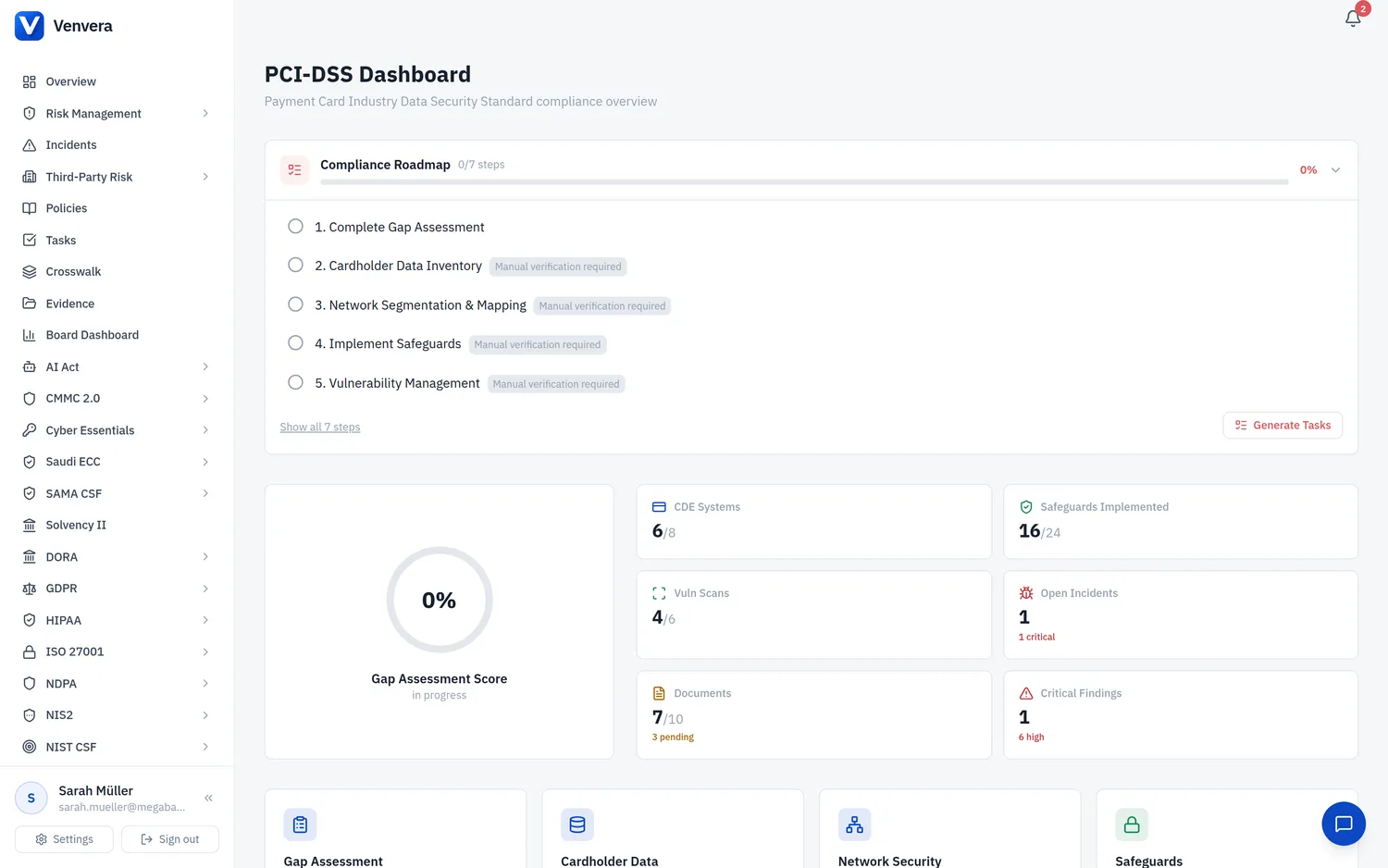
The Cardholder Data Environment (CDE) Inventory module helps you maintain a comprehensive register of all systems, applications, and components that store, process, or transmit cardholder data (CHD) or sensitive authentication data (SAD). Accurate CDE scoping is the foundation of PCI-DSS compliance - every other requirement applies to systems within the CDE and connected-to systems.
What Constitutes Cardholder Data?
PCI-DSS defines two categories of account data:
Cardholder Data (CHD)
| Primary Account Number (PAN) | The unique card number (up to 19 digits). The presence of PAN is what triggers PCI-DSS applicability |
| Cardholder Name | The name of the individual to whom the card is issued (only protected when stored with PAN) |
| Expiration Date | The date through which the card is valid (only protected when stored with PAN) |
| Service Code | Three or four-digit value encoded in the magnetic stripe that specifies acceptance requirements (only protected when stored with PAN) |
Sensitive Authentication Data (SAD)
SAD must never be stored after authorisation, even if encrypted:
| Full Track Data | Complete data from the magnetic stripe or chip equivalent |
| CAV2 / CVC2 / CVV2 / CID | Three or four-digit card verification codes printed on the card |
| PIN / PIN Block | Personal identification number entered by the cardholder during a transaction |
CDE Scoping
Proper scoping determines which systems fall under PCI-DSS requirements. Venvera classifies systems into three categories:
| In Scope (CDE) | Systems that directly store, process, or transmit CHD or SAD |
| Connected-to | Systems that do not store/process/transmit CHD but have connectivity to or can impact the security of the CDE |
| Out of Scope | Systems that are fully isolated from the CDE with no connectivity or potential impact. Must be validated through segmentation testing |
Adding Systems to the Inventory
To add a system to the CDE inventory:
- Navigate to PCI-DSS → Cardholder Data
- Click Add System
- Enter the system name, description, and owner
- Select the system type (application, database, network, storage, endpoint, cloud service, or third party)
- Specify the data types stored or processed (PAN, cardholder name, expiry, service code, track data, CVV, PIN)
- Indicate the data flow - whether the system stores, processes, transmits, or all three
- Set the environment (production, staging, development, disaster recovery)
- Record the encryption status: encrypted at rest, in transit, both, or none
- Indicate whether tokenisation is applied
- Set the PCI scope classification
- Save the entry
Encryption Status Tracking
PCI-DSS Requirement 3 mandates strong cryptography for stored CHD and Requirement 4 requires encryption during transmission. For each system, track:
- Encrypted at rest - CHD is encrypted when stored (e.g., AES-256, TDE, column-level encryption)
- Encrypted in transit - CHD is encrypted during transmission (e.g., TLS 1.2+, IPsec VPN)
- Both - CHD is encrypted at rest and in transit
- None - CHD is not encrypted (high-priority remediation item)
Tokenisation
Tokenisation replaces the PAN with a surrogate value (token) that has no exploitable meaning. Systems using PCI SSC-compliant tokenisation can potentially be moved out of CDE scope if they only handle tokens and never have access to the original PAN. Track tokenisation status for each system to identify scope reduction opportunities.
Scope Classification Tips
- Start by assuming everything is in scope, then validate what can be removed
- Any system with a network path to the CDE is at minimum "connected-to"
- Segmentation must be validated through penetration testing (Requirement 11.4.5)
- Cloud and virtualised environments require careful scoping of shared infrastructure
- Third-party service providers that handle CHD on your behalf are always in scope - track their PCI compliance status
- Review and update the CDE inventory at least annually and after any significant infrastructure changes